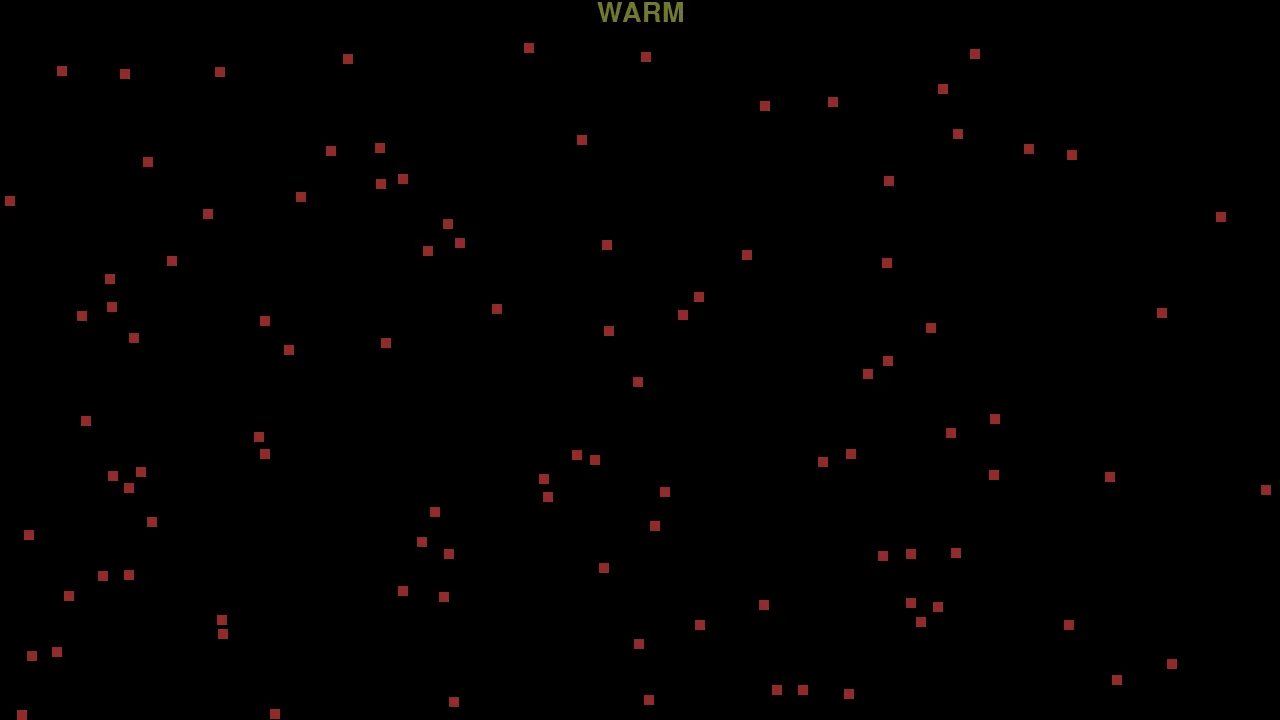
I made this with my cousin Justin in June 2022 as a small two-day, hackathon-style challenge. A green square is hidden somewhere on the screen, and the only guidance is a changing temperature clue based on how close the mouse is to it. The challenge is to reach the target quickly while threading through a field of red bombs that can end the round immediately.
A two-day challenge
My cousin Justin and I treated this as a quick build challenge: take a simple hot-and-cold search idea, turn it into a playable game, and finish it in two days. The result is deliberately spare—one menu, one screen of hazards, and a rule that can be understood as soon as the temperature word starts changing.
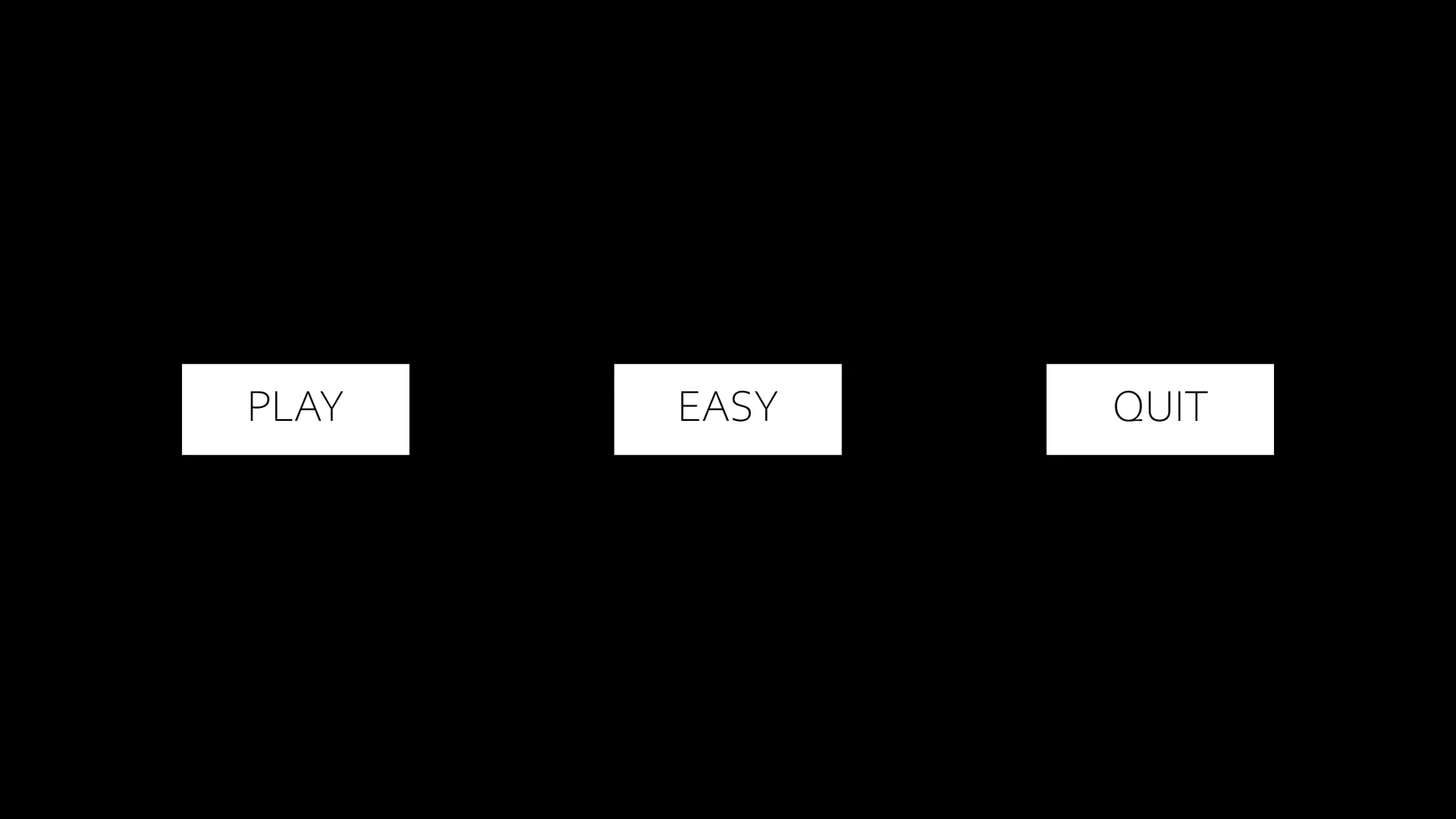
The menu has Play, difficulty, and Quit controls. Clicking the middle button cycles through easy, medium, and hard, then Play generates a new target and a completely new field of bombs for that round.
Turning distance into temperature
Each frame, the game calculates Manhattan distance: the horizontal difference between the cursor and target plus the vertical difference. That number is converted into six bands—Burning, Hot, Warm, Cold, Very Cold, and Fridge—and each label has its own color. It gives direction indirectly, so the player has to move, watch the clue change, and narrow down the target's location.
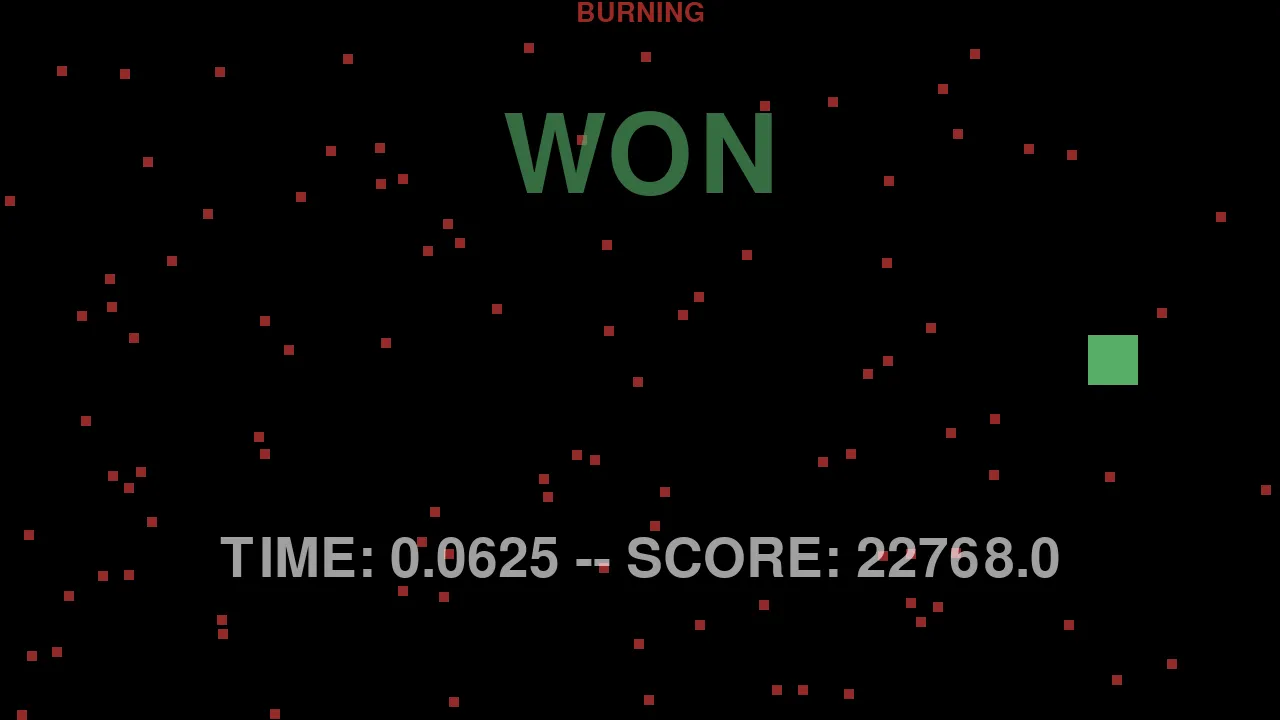
The target remains invisible during the search. Reaching it reveals the square in green and displays a time and score based on the starting distance and how quickly it was found. Touching any red bomb also reveals the target, but ends the round as a loss.
Difficulty through density
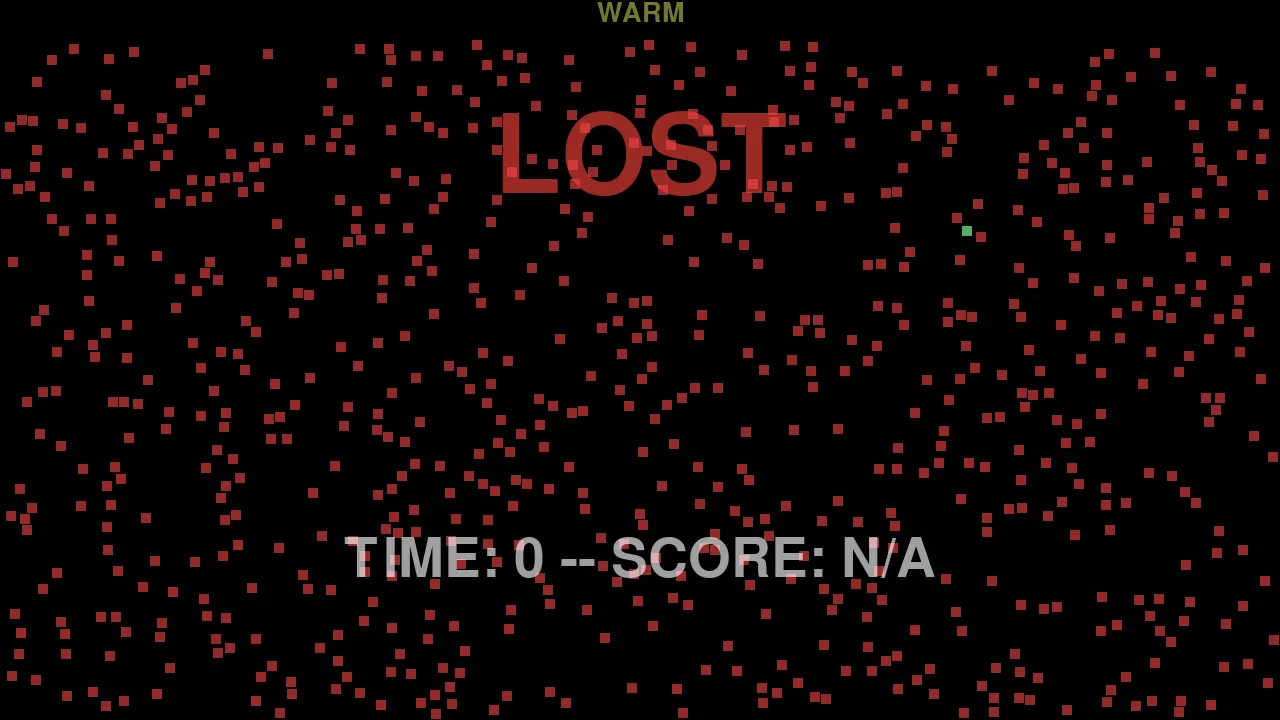
Difficulty changes two variables at once. Easy hides a 50-by-50-pixel target among 100 bombs; medium reduces it to 25 by 25 and places 450 bombs; hard leaves only a 10-by-10 target among 750 bombs. Every bomb is also 10 by 10 pixels, so hard mode makes the goal no larger than one hazard.
Bombs are placed randomly with rejection checks intended to keep them away from the target, the cursor's starting position, and each other. That makes every round a different navigation problem instead of a fixed maze.
Built for the screen it runs on
The desktop version opens at the display's native resolution and derives its margins, button sizes, font sizes, and spacing from the screen dimensions. The visuals are made entirely from Pygame rectangles and text rather than image assets.
I later made a browser-oriented copy using an asynchronous menu loop and packaged it with Pygbag. The preserved web build identifies itself as Pygbag 0.6.6, while the version tested for this page is the original desktop project.