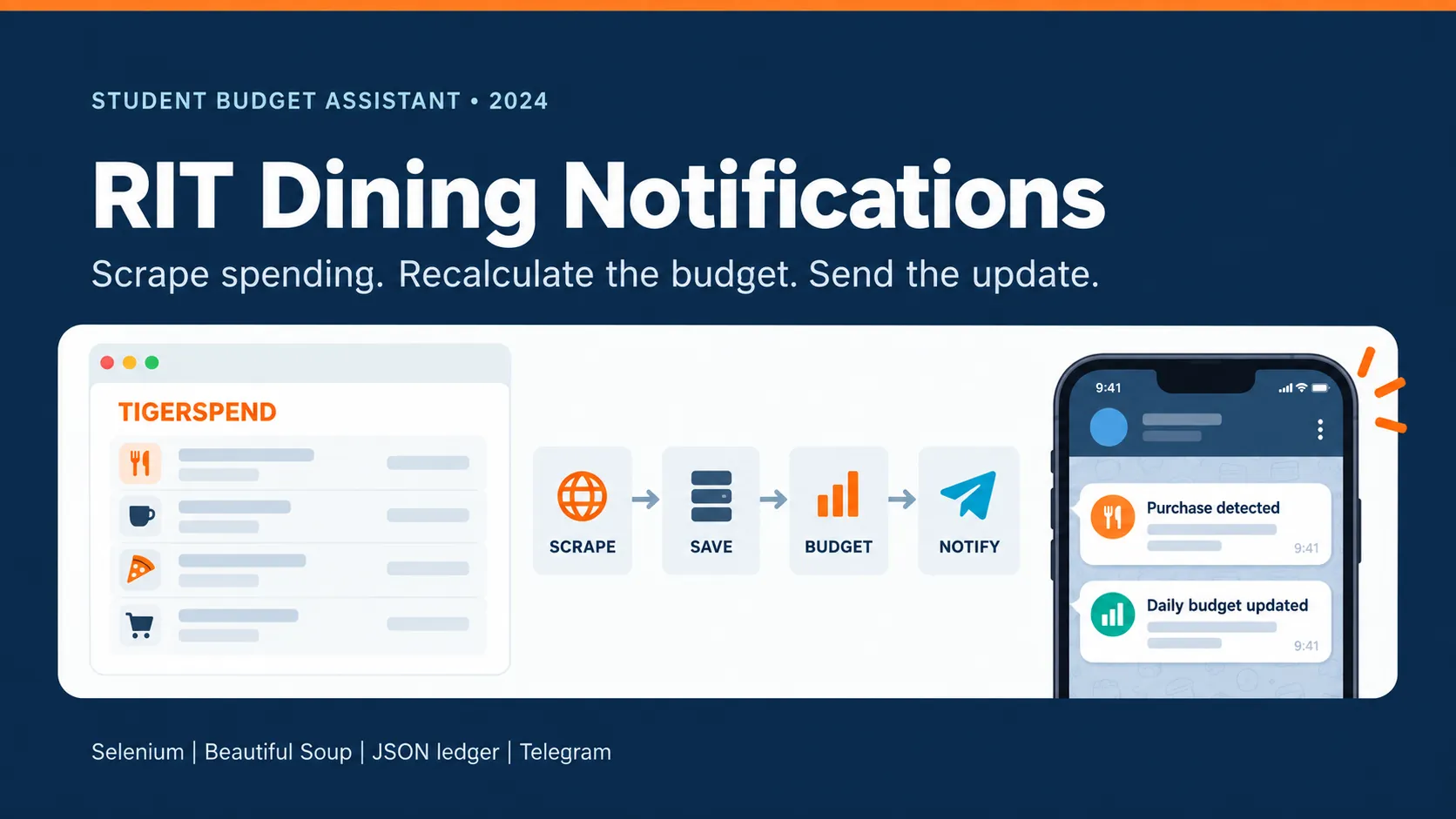
I built this project to turn RIT's transaction history into a budget I could actually use every day. A Python host opened TigerSpend through Selenium, parsed new Dining Dollars purchases with Beautiful Soup, kept a local JSON ledger, and used a Telegram bot as the interface. Along with purchase alerts, it calculated daily and weekly spending targets from the remaining balance and time left in the semester.
Why I built it
Dining Dollars are loaded for a whole semester, but a balance by itself does not answer the question I cared about: how much can I safely spend today? I wanted the answer to update as I used the account, without repeatedly copying purchases into a spreadsheet.
The assistant turned the latest balance and the semester end date into daily and weekly allowances. Spending less than the target left more money available for later; spending more reduced the next recommendation. That made the budget respond to real purchases instead of relying on a fixed estimate from the first week of class.
One command, the complete pipeline
Telegram was both the remote control and the output. After a one-time connection-code handshake, /refresh asked the Python host for fresh data. The host opened a new Selenium browser, passed through the RIT and Duo sign-in flow, selected the dining account, loaded its statement, and handed the resulting HTML to Beautiful Soup.
The parser normalized each row into a timestamp, merchant description, amount, and remaining balance. It compared those rows with the local ledger, saved only transactions it had not seen before, and returned the additions to the bot. The bot then sent one purchase message per new row, followed by the recalculated budget; when there was nothing new, it said so instead of repeating old alerts.
Telegram /refresh
        ↓
Python host → Selenium → RIT + Duo → TigerSpend statement
                                      ↓
Telegram alerts ← budget math ← JSON ledger ← Beautiful Soup
Scraping the statement
The scraper used browser automation for the parts that needed a real session, then parsed the completed statement page rather than driving every table cell through Selenium. This split kept authentication and navigation in the browser while making transaction extraction easier to reason about in Python.
I revisited the live site in September 2026 and ran the statement workflow again. TigerSpend now labels the account as Dining Dollars (Rollover), uses a different account identifier, and formats some dates differently from the version the project expected. The recording shows the real request completing and returning current transaction descriptions; personal details, balances, and amounts have been removed from the public capture.
A small local ledger
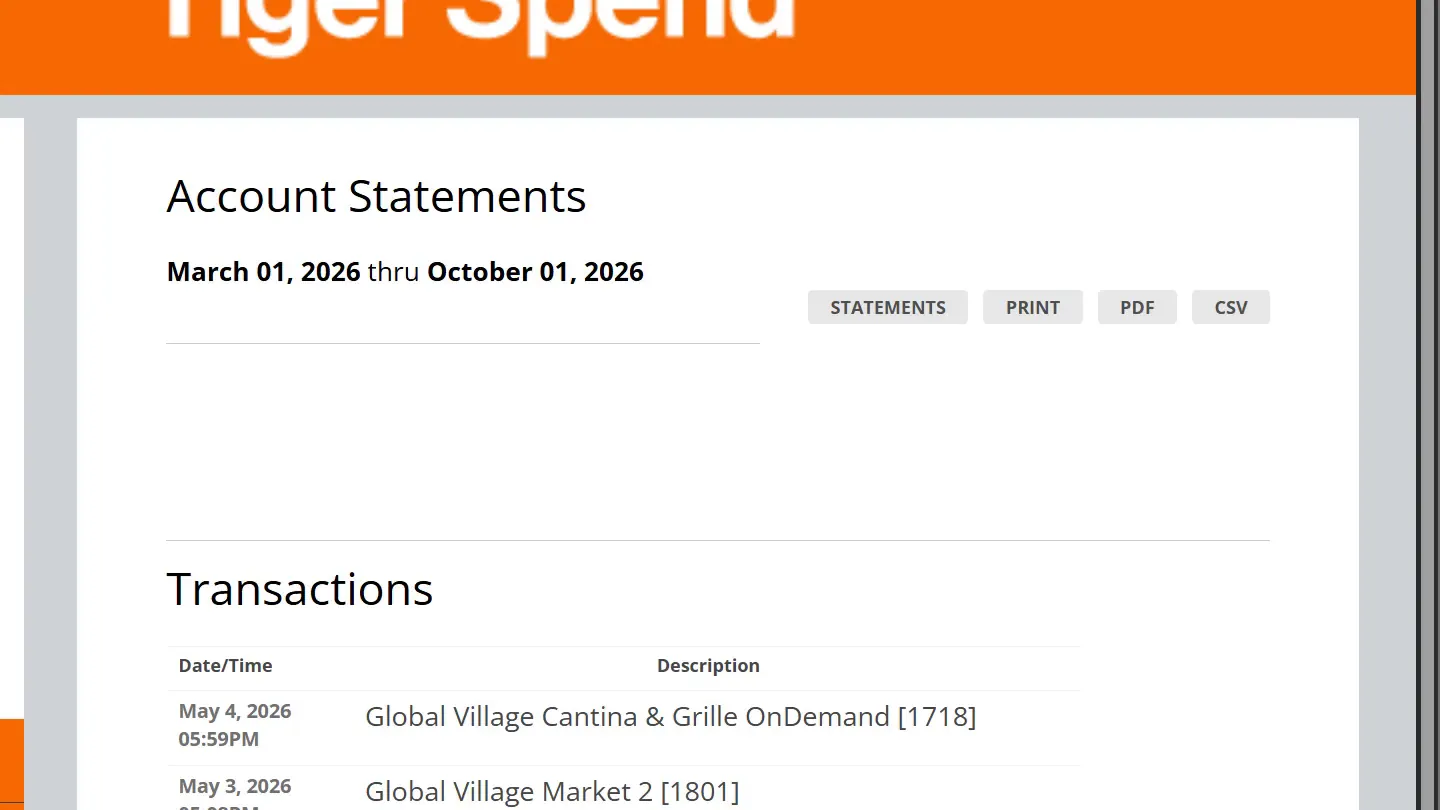
I stored the known transaction rows in rit_statements.json, keyed by their timestamps. That file was deliberately simple: it gave the scraper something persistent to compare against, prevented duplicate Telegram messages between refreshes, and let /checkfunds calculate a budget without logging into TigerSpend again.
The budget routine read the most recent balance, counted the days and weeks remaining, and then subtracted spending already recorded for the current day and week. This was a lightweight solution for one user on one computer, not a general database, but it was enough to connect a live account history to a useful day-to-day decision.
Telegram was the interface

Instead of building another dashboard, I used a Telegram bot so the system was already available on my phone. /checkfunds reported the current daily and weekly amounts from the saved ledger, while /refresh performed the slower live scrape after a purchase. The bot also implemented /start, /status, /disconnect, and /help around a small in-memory connection state.
The integration was intentionally direct: the program called Telegram's getUpdates and sendMessage endpoints itself with the Requests library. Building that loop made the full path visible, from a command arriving, to Python calling the scraper, to a formatted notification returning to the same chat.
This original phone recording shows the bot in use in August 2024. I connect to it, open the command list, check the saved budget, and run /refresh. The bot asks me to approve the RIT Duo login, reports each step while the scraper works, and finishes by saying that it found no new transactions.
What the 2026 rerun revealed
The project captured the workflow well, but it also showed why web scrapers need maintenance. The original code depended on a hard-coded account option, specific links and date formats, a fixed semester end date, and credentials stored in source configuration. Changes to the live site were enough to break those assumptions even though the overall journey still existed.
For the rerun, I tested compatibility changes in an isolated copy: account selection now follows the live statement link, configuration can come from environment variables, and the date parser accepts both the older and current formats. The Python files compile and the revised date cases pass, but I did not treat that test copy as a production rewrite or send messages from the bot.
If I rebuilt it today, I would keep credentials and semester settings outside the code, persist bot authorization instead of keeping it only in memory, reuse a browser session, and add focused parser tests around saved HTML. The original version was still valuable because it joined browser automation, HTML parsing, state, budgeting logic, and a real messaging API into one system built for a problem I actually had.