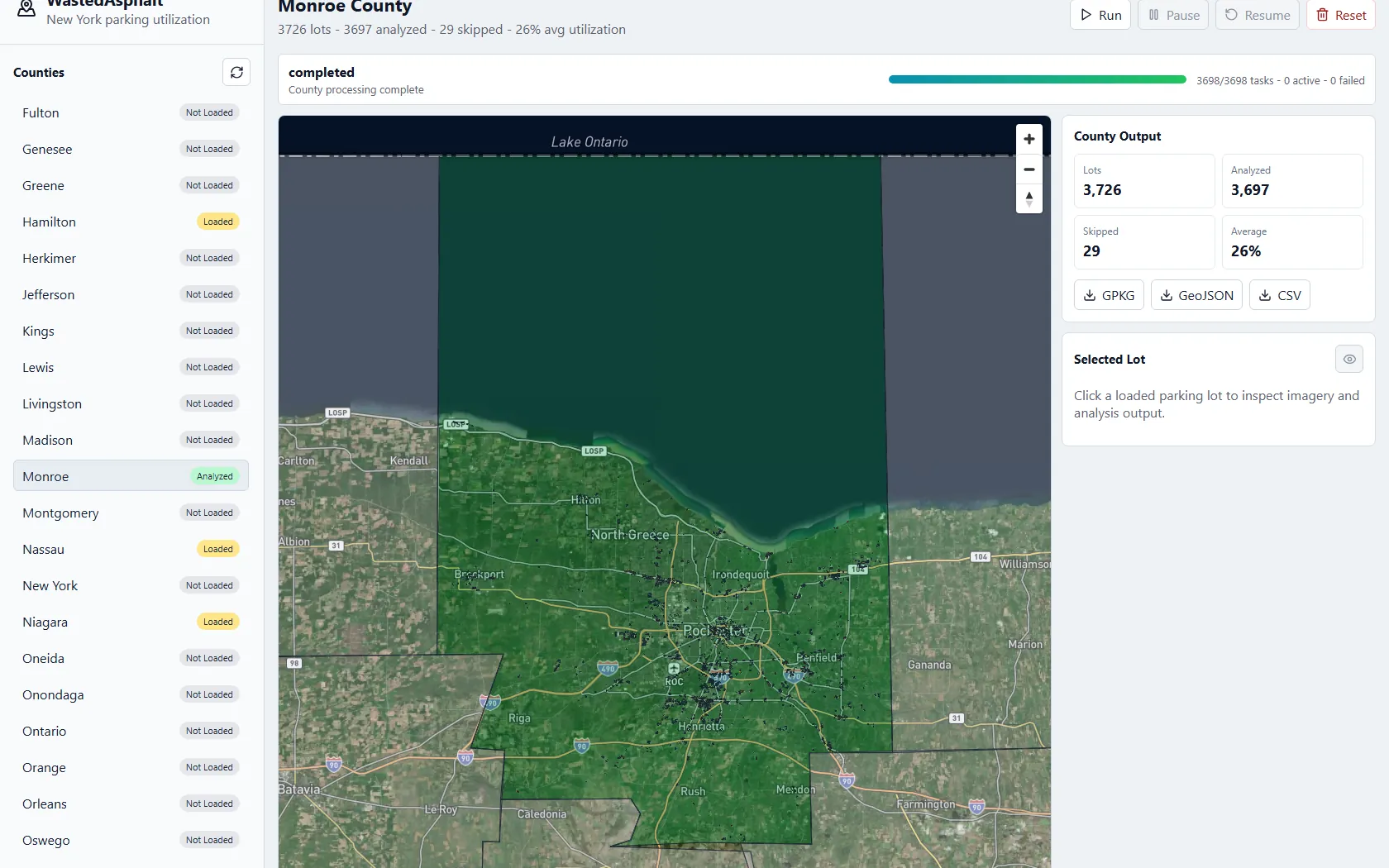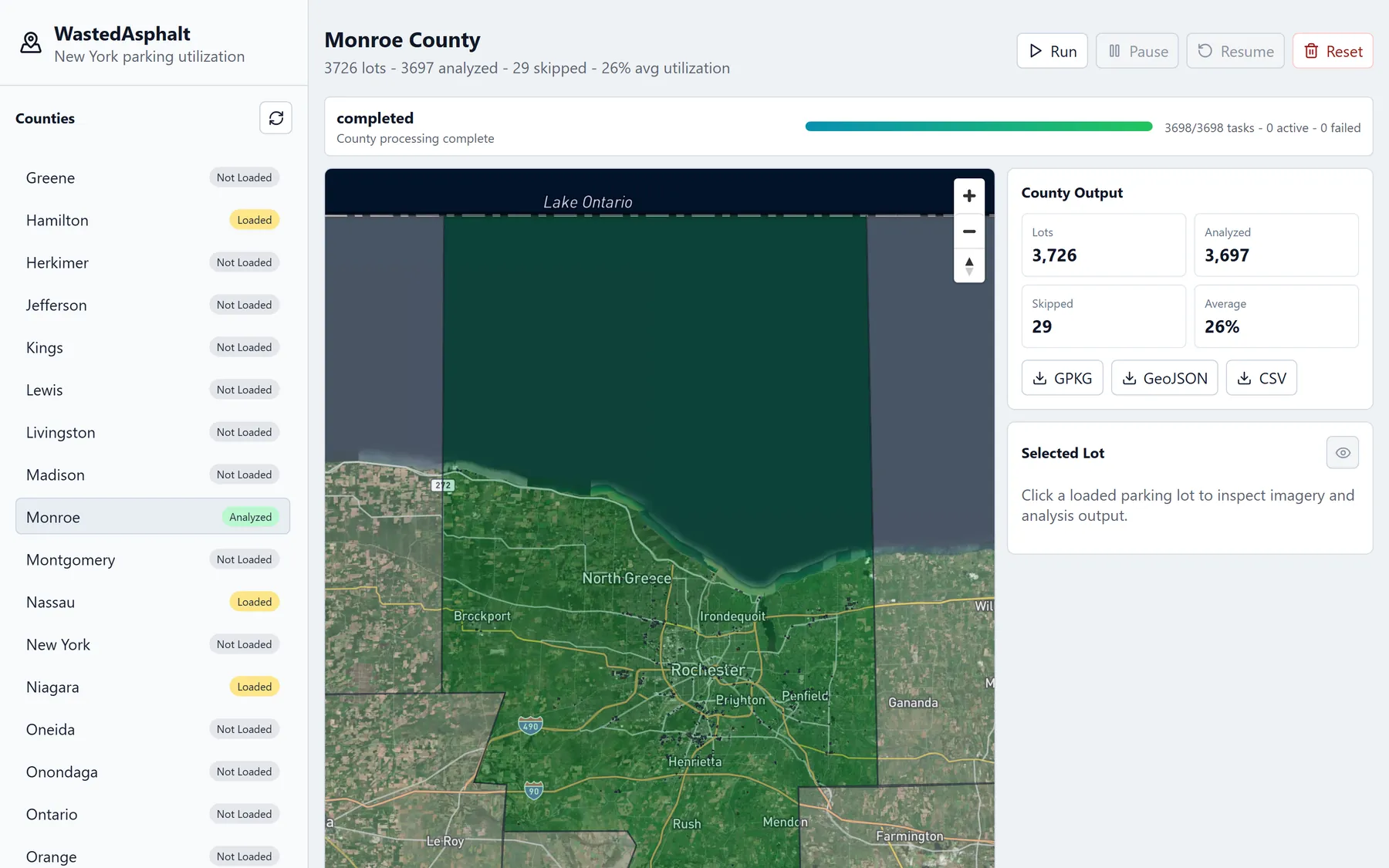
A local web app that measures how much parking surface a New York county is carrying and how much of it is visibly in use. It loads county boundaries from a TIGER/Line shapefile, pulls every amenity=parking polygon from OpenStreetMap through Overpass, downloads a Mapbox satellite chip for each lot, and runs a classical image pipeline that samples the lot's own asphalt color and measures how much of the surface deviates from it. Monroe County resolves to 3,726 lots, 3,697 of them analyzed, at a 26% county average. Jobs are pausable and resumable, and results export as GeoPackage, GeoJSON, or CSV for ArcGIS.
I wanted to know how much of a city is paved over for parking that nobody is using. The pieces to answer that are all public: county boundaries ship in the Census TIGER/Line shapefiles, OpenStreetMap already has parking lots mapped as polygons, and satellite imagery is a tile request away. WastedAsphalt wires those three together and puts a number on every lot in a county.
Running it against Monroe County produced 3,726 parking polygons. 3,697 of them were analyzable, 29 were skipped, and the county came out at a 26% average score. That run finished 3,698 of 3,698 tasks with zero failures in about eleven minutes.
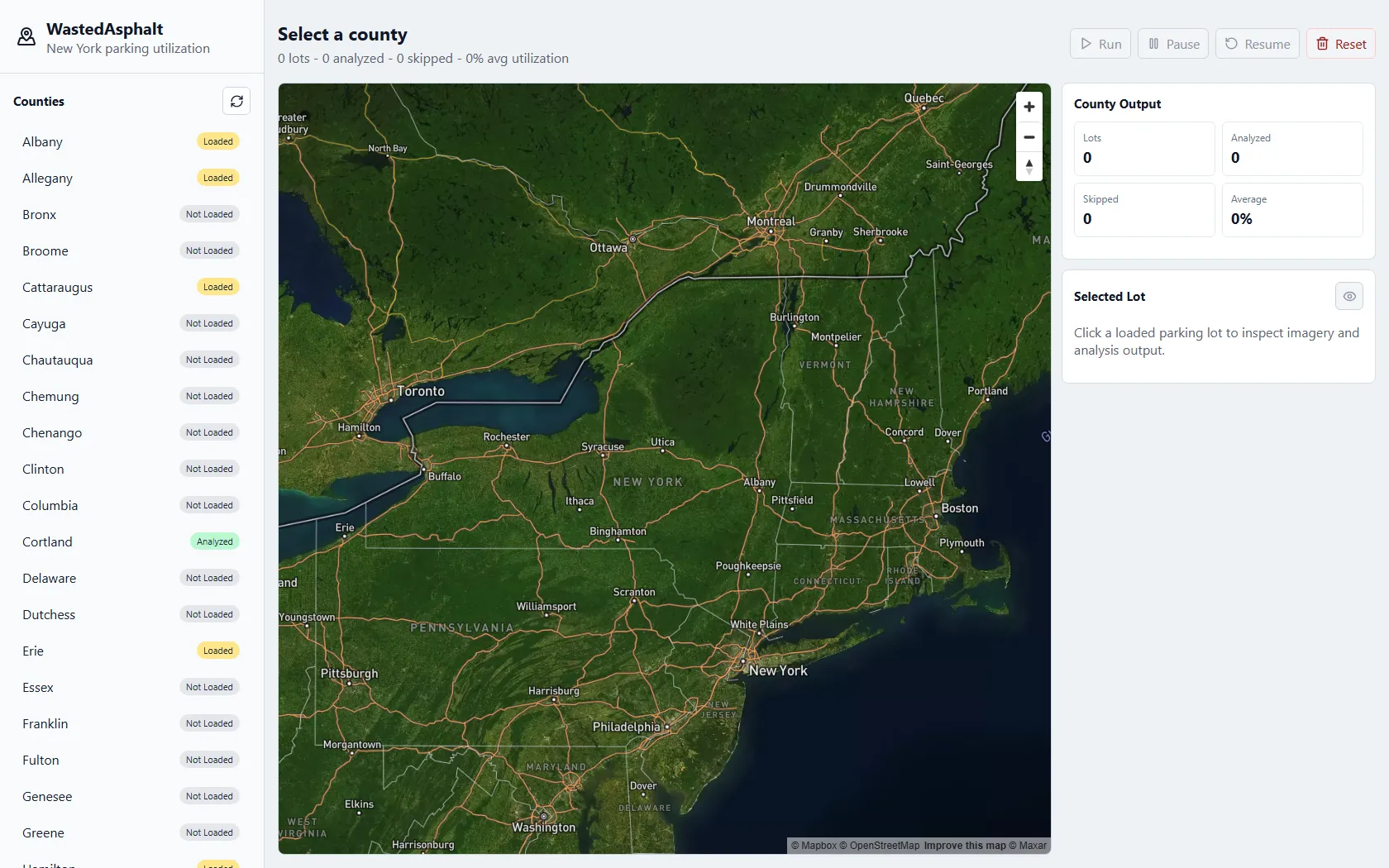
Every lot in the county, scored
Once a county finishes processing, each lot is drawn on the map colored by its score: green for lots reading as mostly empty, through yellow and orange to red. Downtown Rochester is where it gets interesting, because the pattern is legible at a glance rather than as a spreadsheet.
The right-hand panel carries the county totals and the three export buttons. The exports were the actual point of the project: GeoPackage and GeoJSON both open directly in ArcGIS, so the output can be joined against other municipal layers instead of living only inside this app.
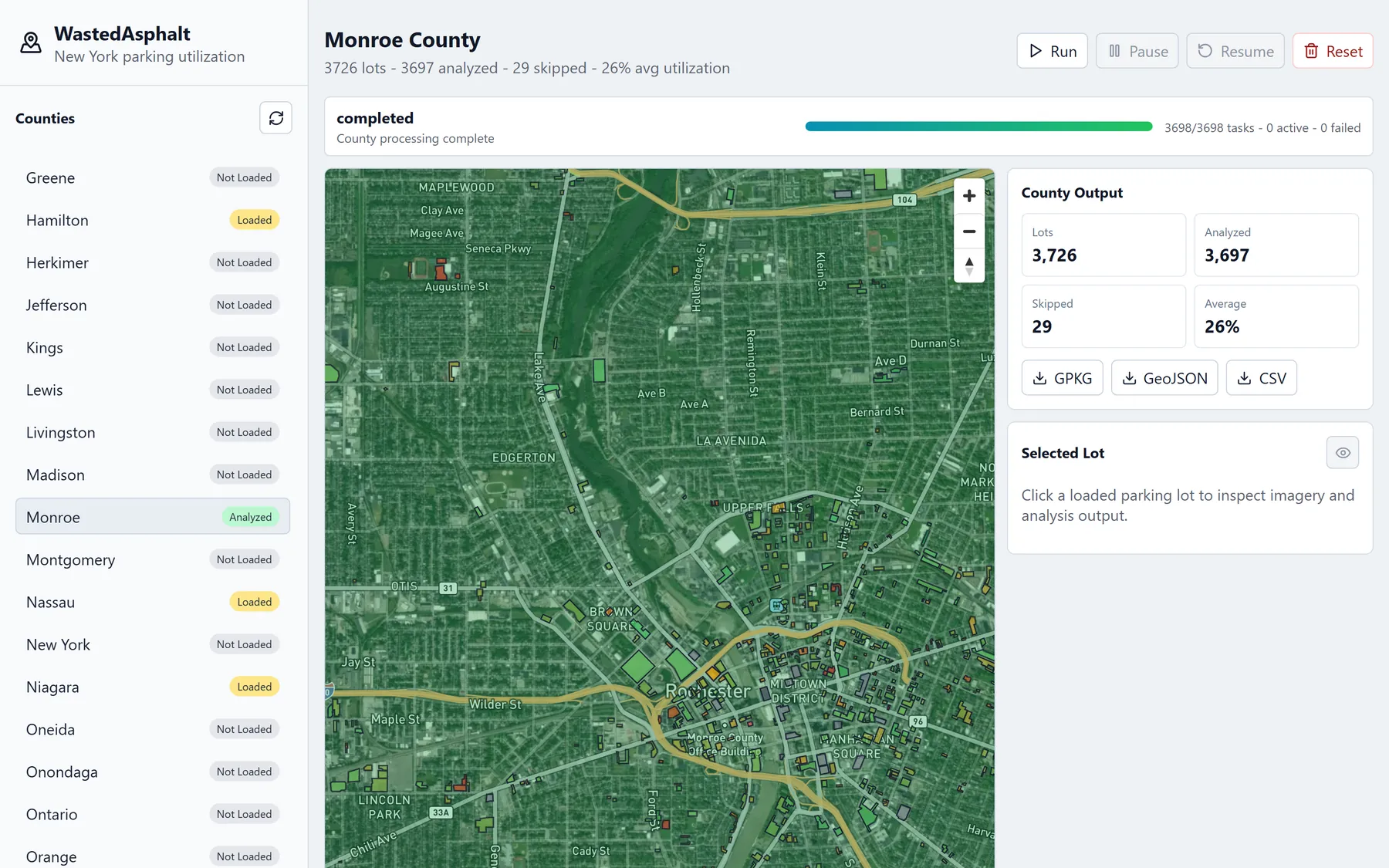
Downtown Rochester after processing. Each polygon is one OpenStreetMap parking lot, colored by its score. 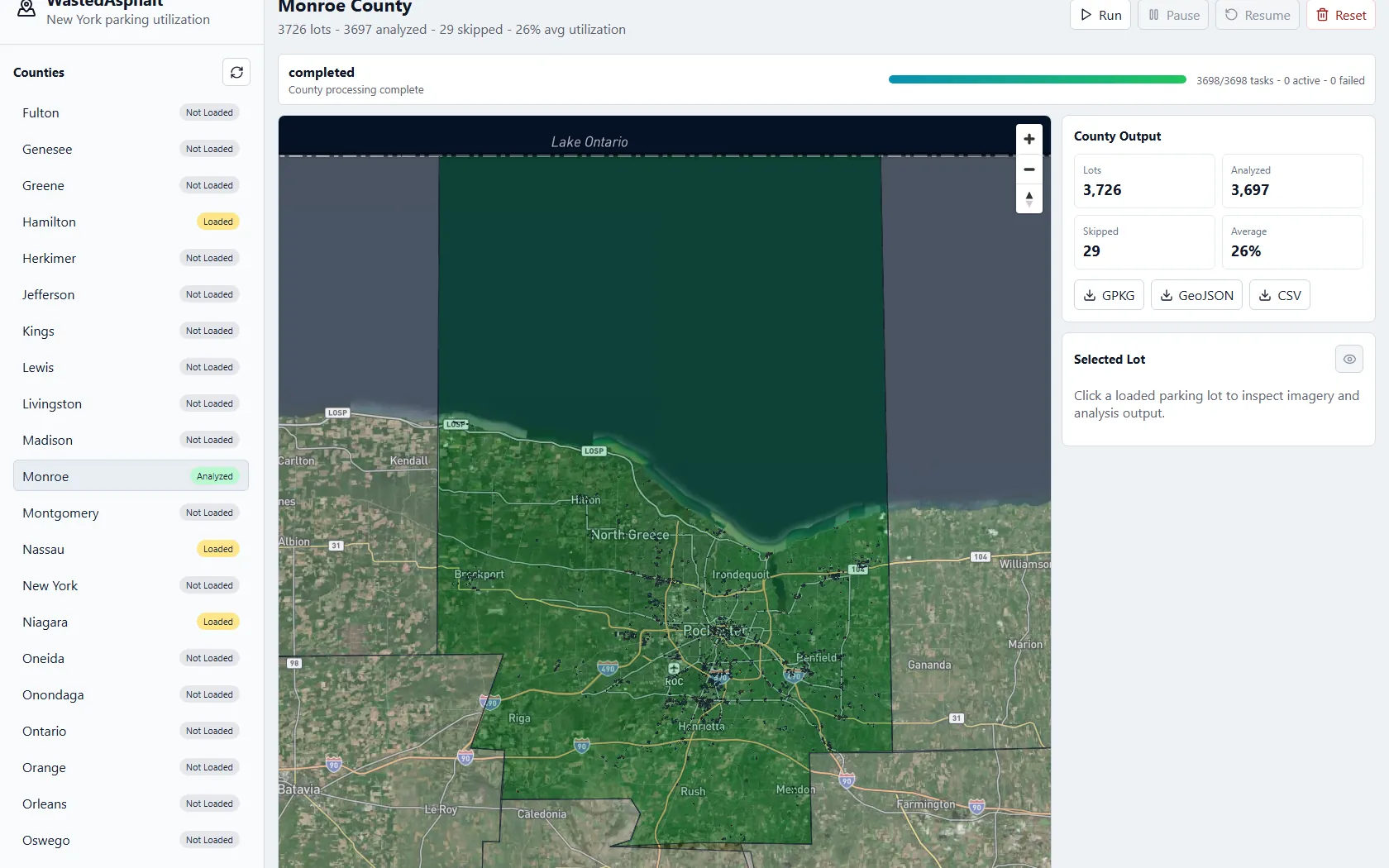
The completed county-wide run and its processing totals.
How a single lot is scored
For each lot the pipeline rasterizes the OpenStreetMap polygon into the image, samples the median color of the asphalt inside it, and then measures the area whose color deviates from that sample. The score is that anomaly area divided by the usable paved area. One lot in the run had 789 square meters of anomaly inside 3,843 square meters of pavement, which is where its 0.21 came from.
The pair below is one lot's raw Mapbox chip next to the overlay the pipeline produced for it. Teal is the OpenStreetMap polygon boundary, the red wash is the paved area being considered, and the lighter patches are the pixels counted as anomalies.
This lot is also a good illustration of where the method stops being a car counter. It scored 0.91, but the photograph shows a lot that is perhaps a third full. The dense white parking stripes deviate from the sampled asphalt just as strongly as a vehicle does, so they are counted too. The number is best read as visible non-asphalt occupancy inside the lot mask. Painted markings, shadows, islands, and pavement repairs all land in it. It is a classical color baseline, not a trained vehicle detector.
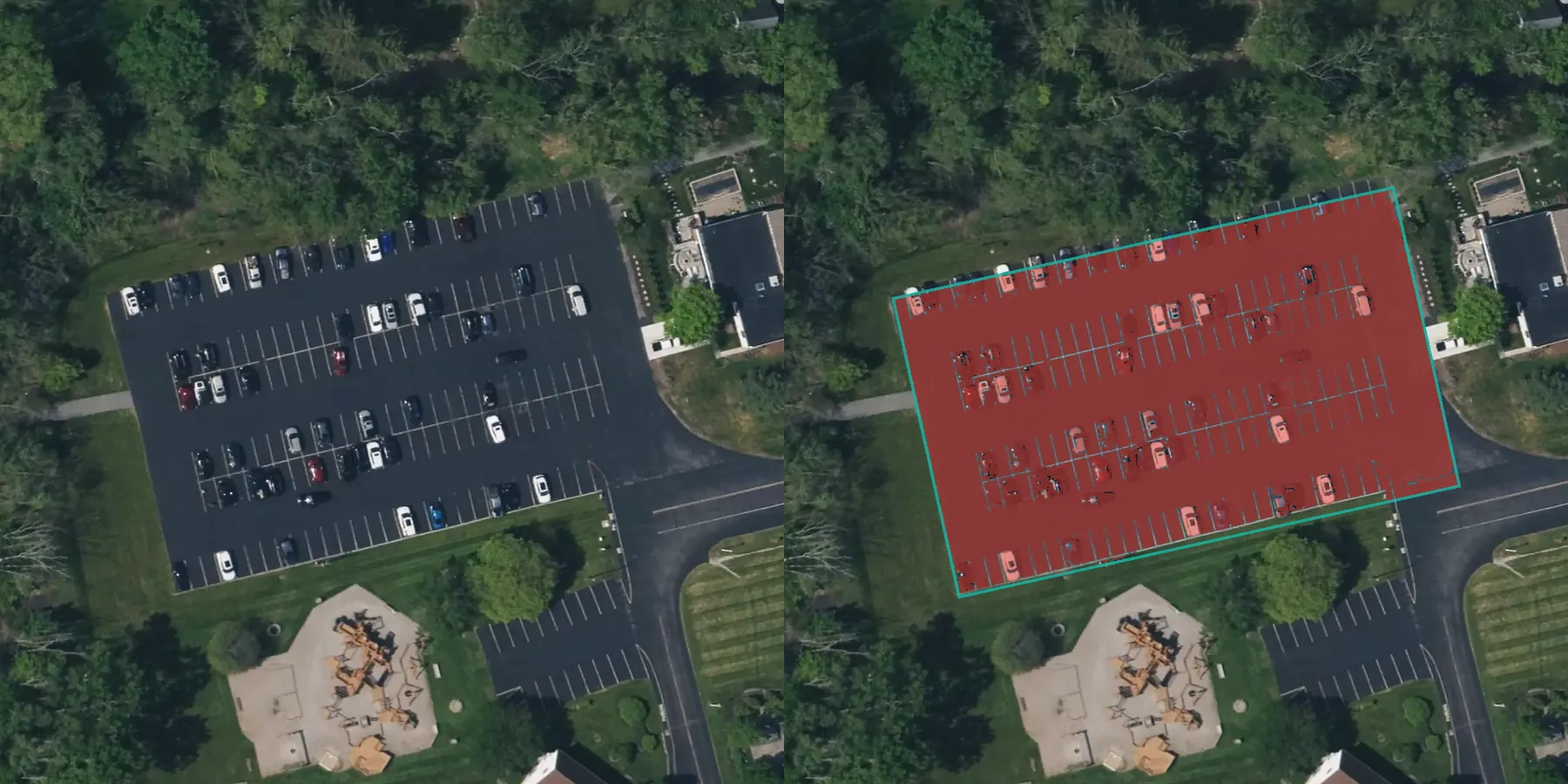
Left: the raw Mapbox chip. Right: the pipeline's overlay. This example shows how painted stripes can raise the score. 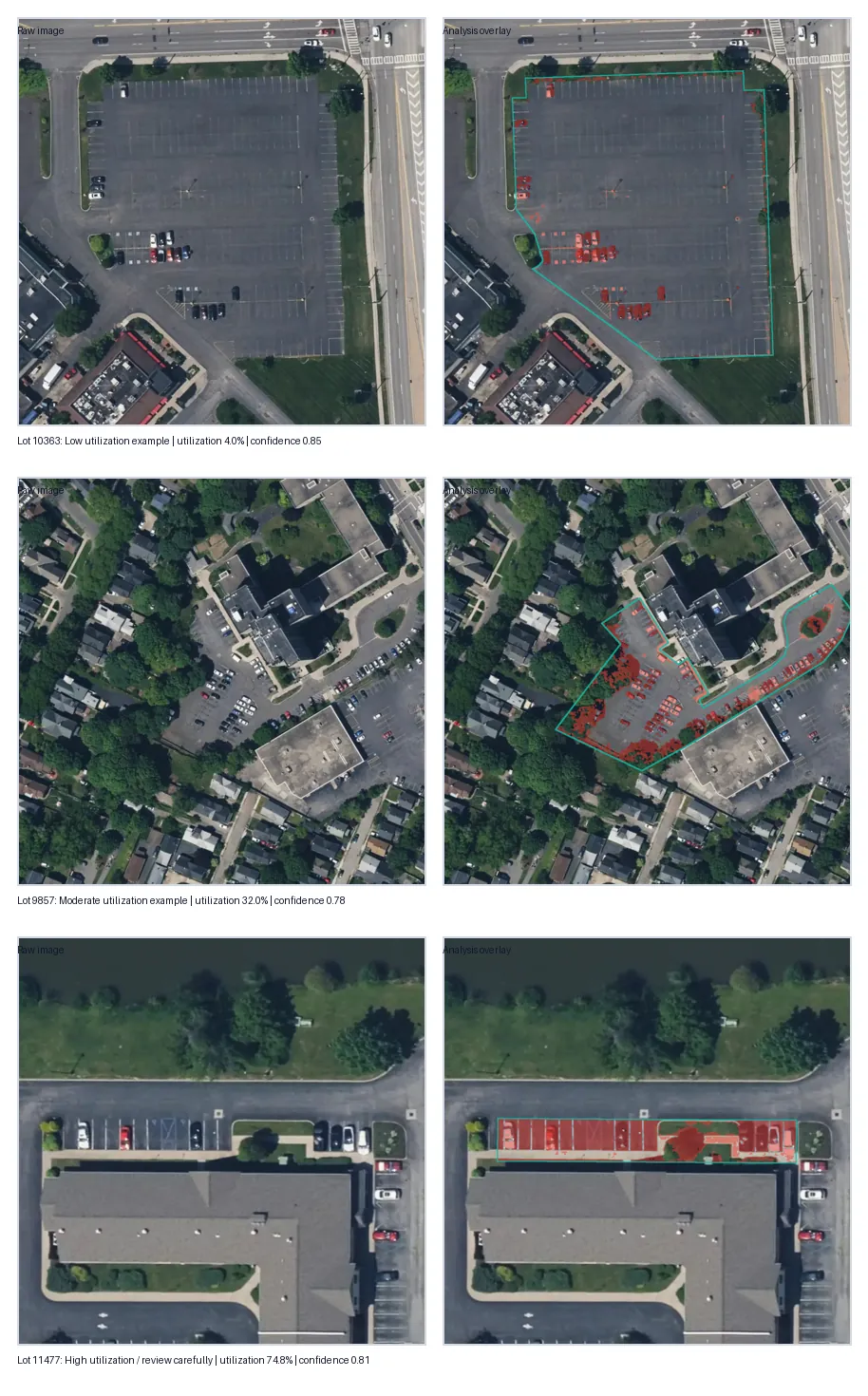
Additional satellite images and the analysis overlays produced for them.
Running a county without babysitting it
A county is thousands of separate image requests, so the job runner had to survive being interrupted. Work is queued in SQLite with per-task state, which makes a run pausable, resumable, and restartable after the process dies without losing the chips it already fetched. Mapbox responses are cached on disk for the same reason, so rerunning a county does not download the same imagery again.
Completed county results export as GeoPackage, GeoJSON, or CSV. GeoPackage is the best option for ArcGIS Pro, while CSV includes WKT geometry for spreadsheet review or GIS import. The nine tests in the repository cover the geometry and analysis helpers rather than the network paths.